For grassroots captains and coaches
Your match plan, from squad list to team talk.
Most Sunday-league plans live in a group chat, a whiteboard photo and the captain's head. Touchline keeps the squad, the shape and the plan in one place, and turns it into a briefing your players can actually open.
The demo is a private sandbox with a ready-made 7v7 team. It deletes itself after 24 hours.
How it works
- 1. Squad
Add your players once. Numbers, positions, and who's available.
- 2. Shape
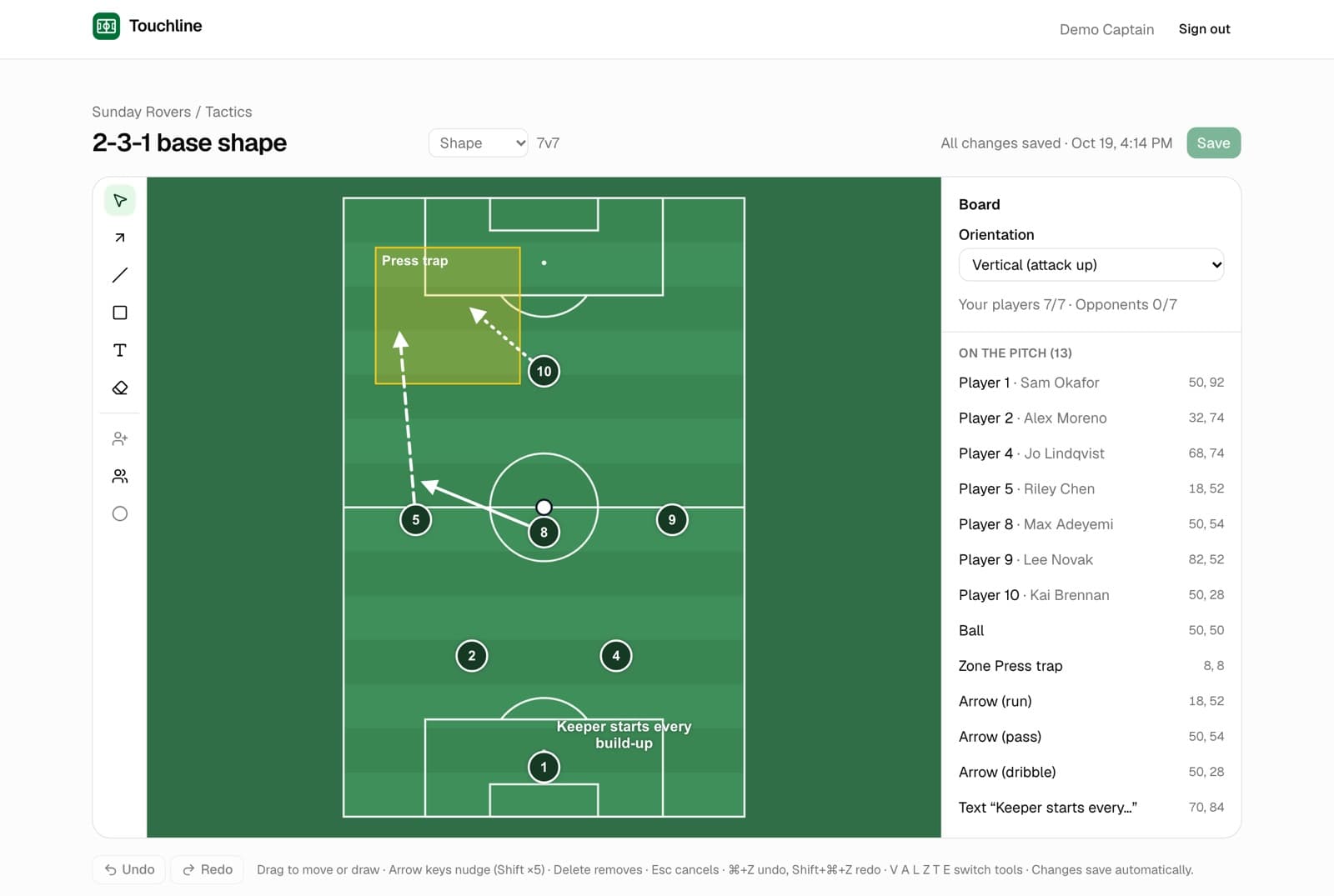
Start from a 5, 7 or 11-a-side formation. Drag players, draw runs, mark zones.
- 3. Plan
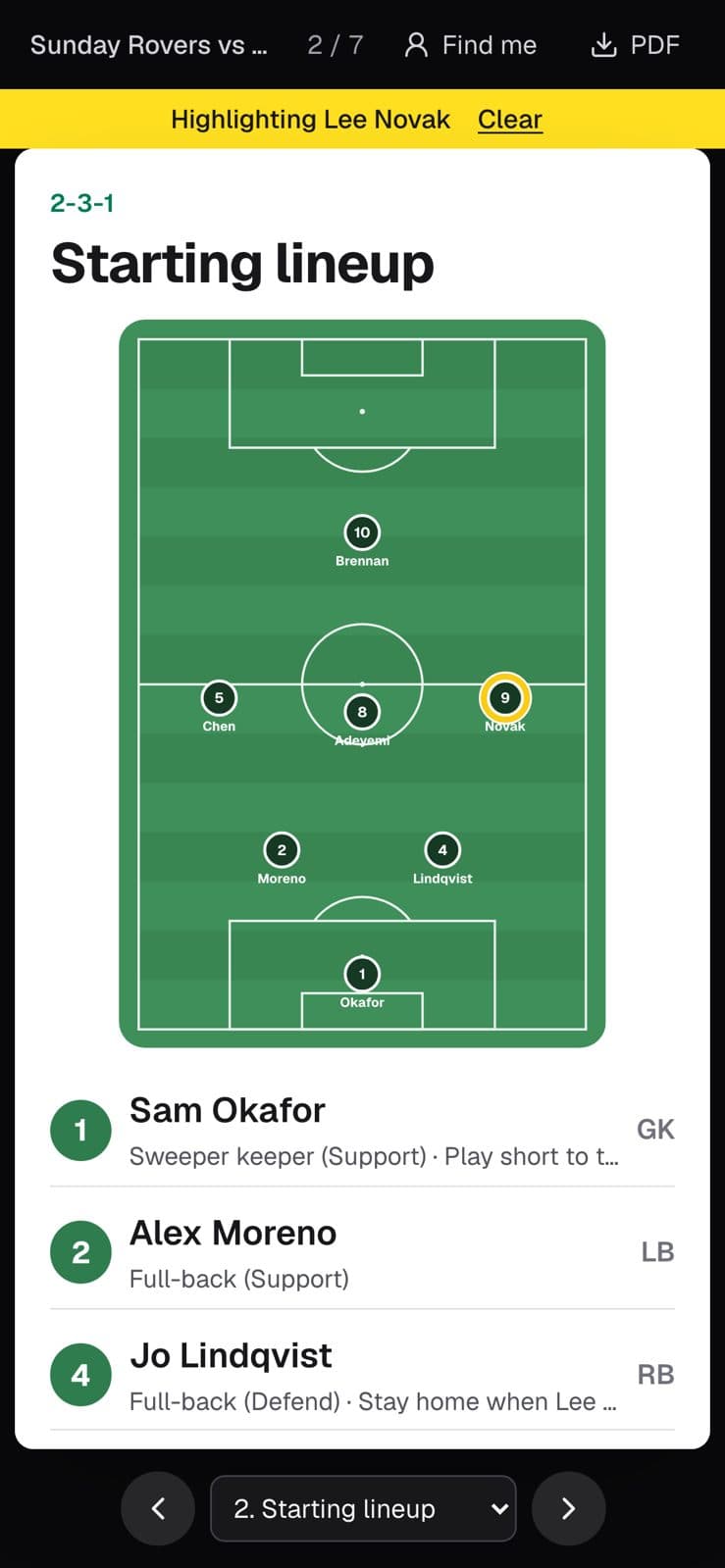
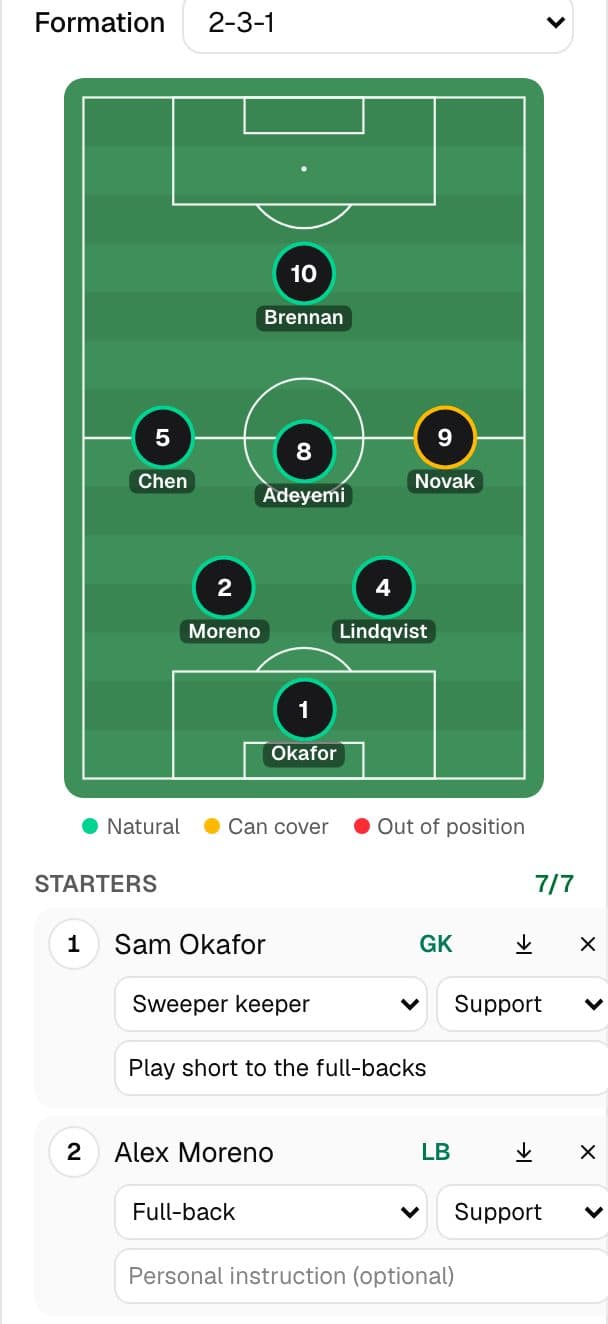
Put Saturday's lineup on the pitch with roles, set-piece takers and a fair sub plan. Add notes only you can see.
- 4. Briefing
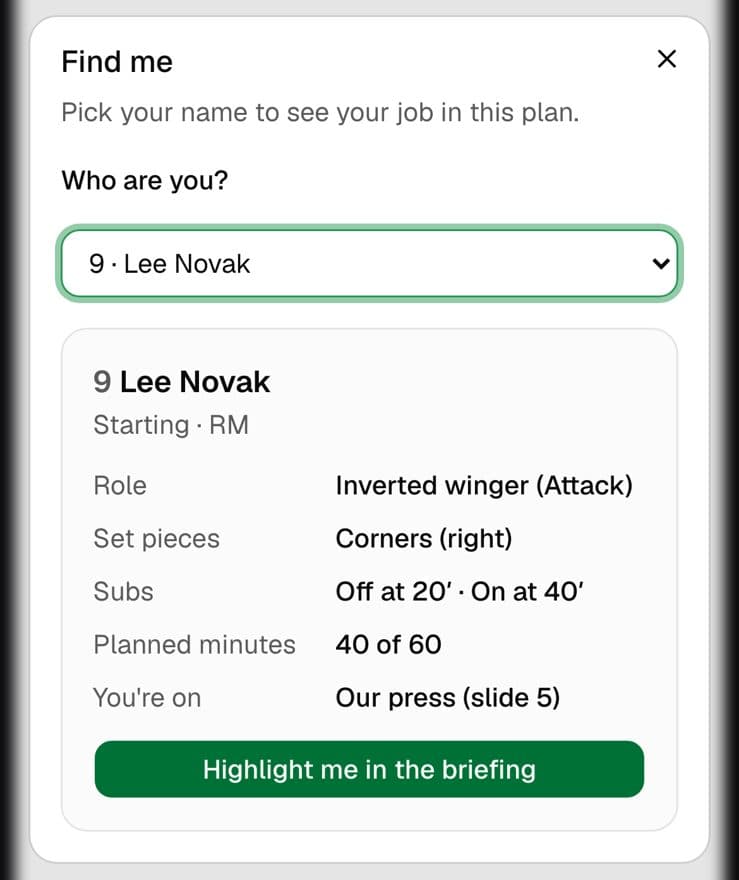
Publish a frozen briefing. Each player taps Find me to see their own job, or you print the PDF.
Every player knows their job
Borrowed from Football Manager and EA FC, cut down to what a Sunday side needs on the way to the pitch.
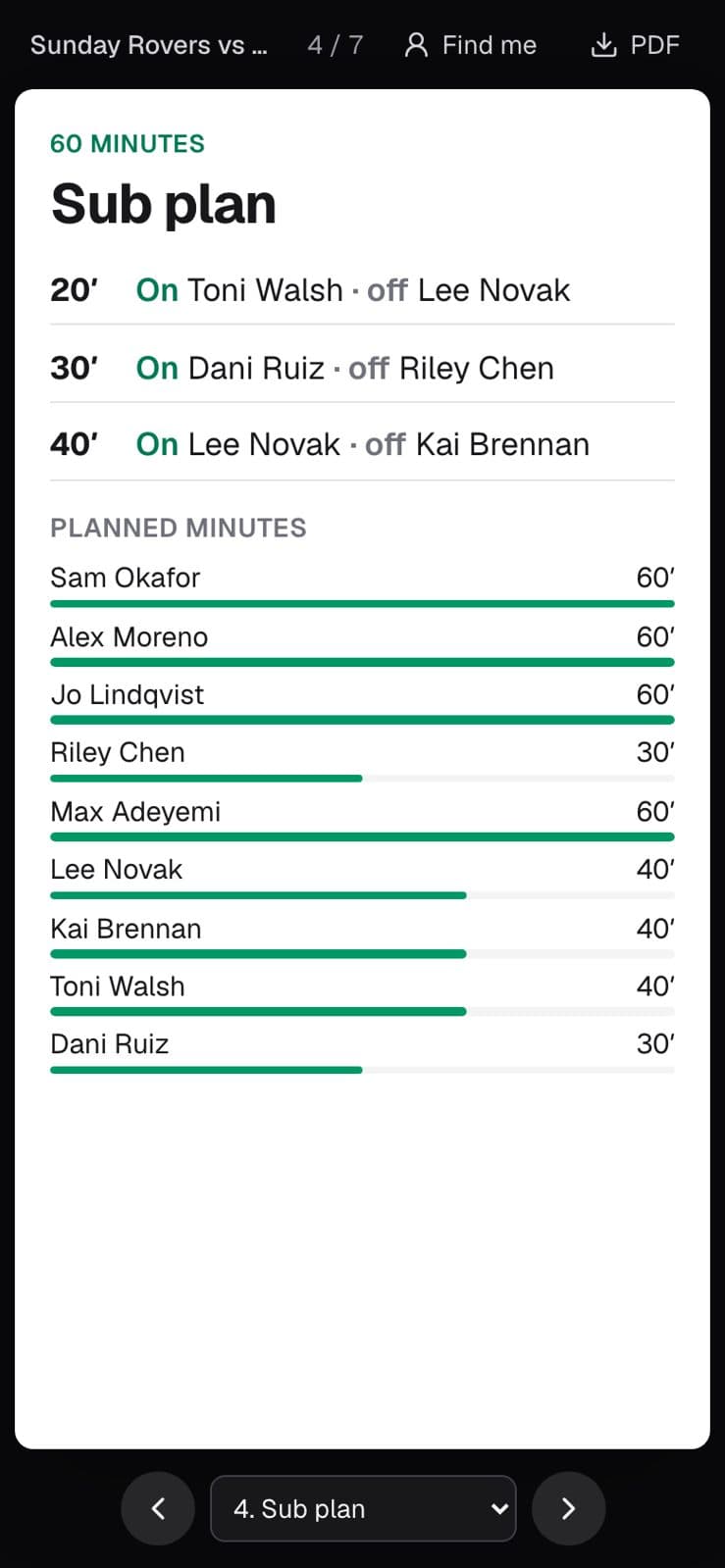
The plan won't publish until the lineup is complete, private notes never leave your screen, and you can switch a player link off at any time.
Private by default. Your squad and plans are visible only to you. Shared briefings show only what you choose, and links are stored as one-way fingerprints, never in readable form. How we handle data